FAQ
Everything About The Generator Controls
Detailed answers based on the current studio capabilities, export flow, and control panel behavior.
Is this page the editor?
No. This page is the product overview. Use Open Controls in Studio, Try Now, or the hero CTA to launch the full generator at kinetic-typography-generator.html.
Can I generate content for Reels, Shorts, and TikTok?
Yes. The studio includes ratio presets specifically useful for social publishing. Use 9:16 for vertical short-form, 1:1 or 4:5 for feed-focused outputs, and 16:9 for landscape use cases like YouTube or presentations.
What can I control inside the generator?
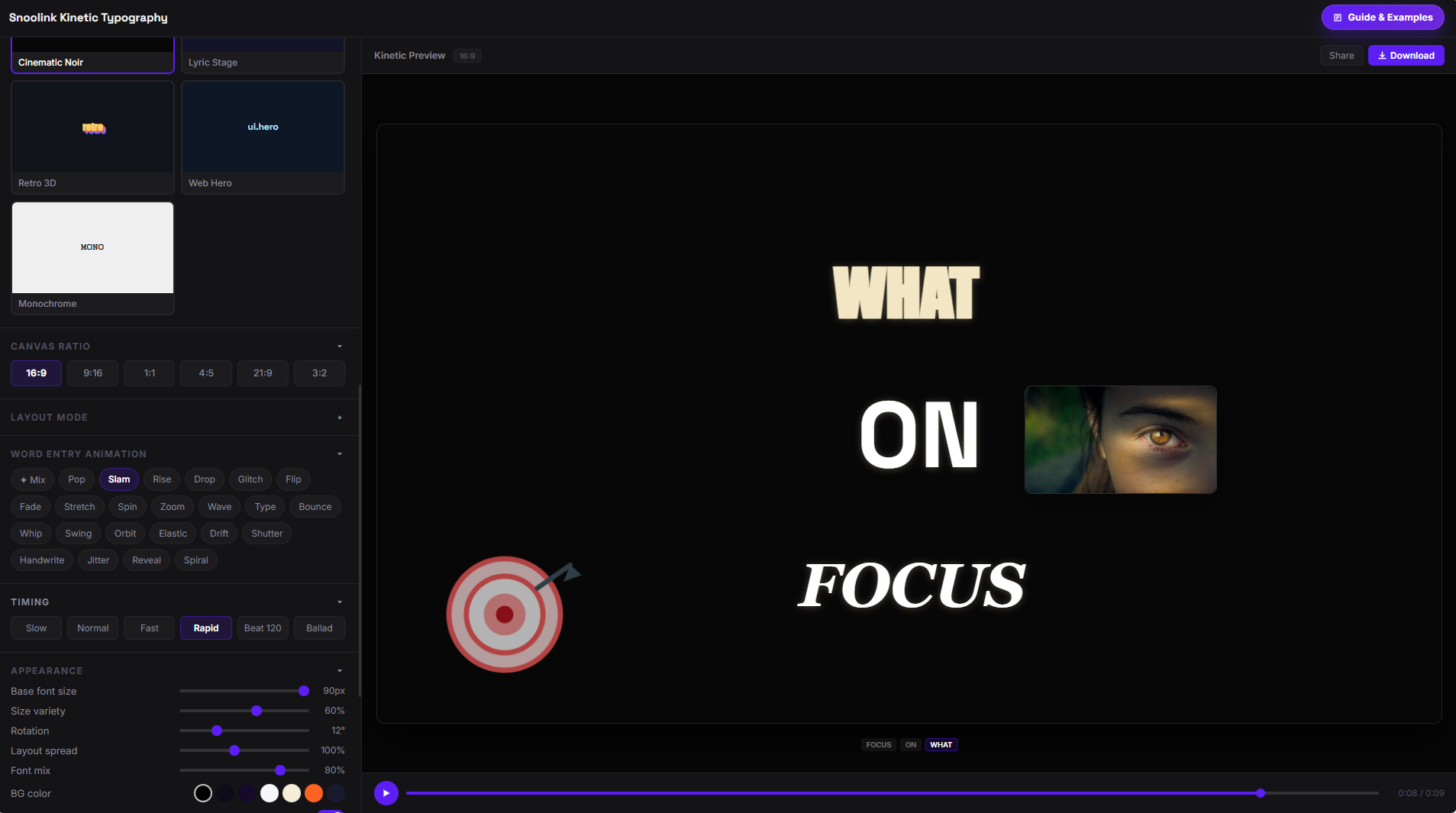
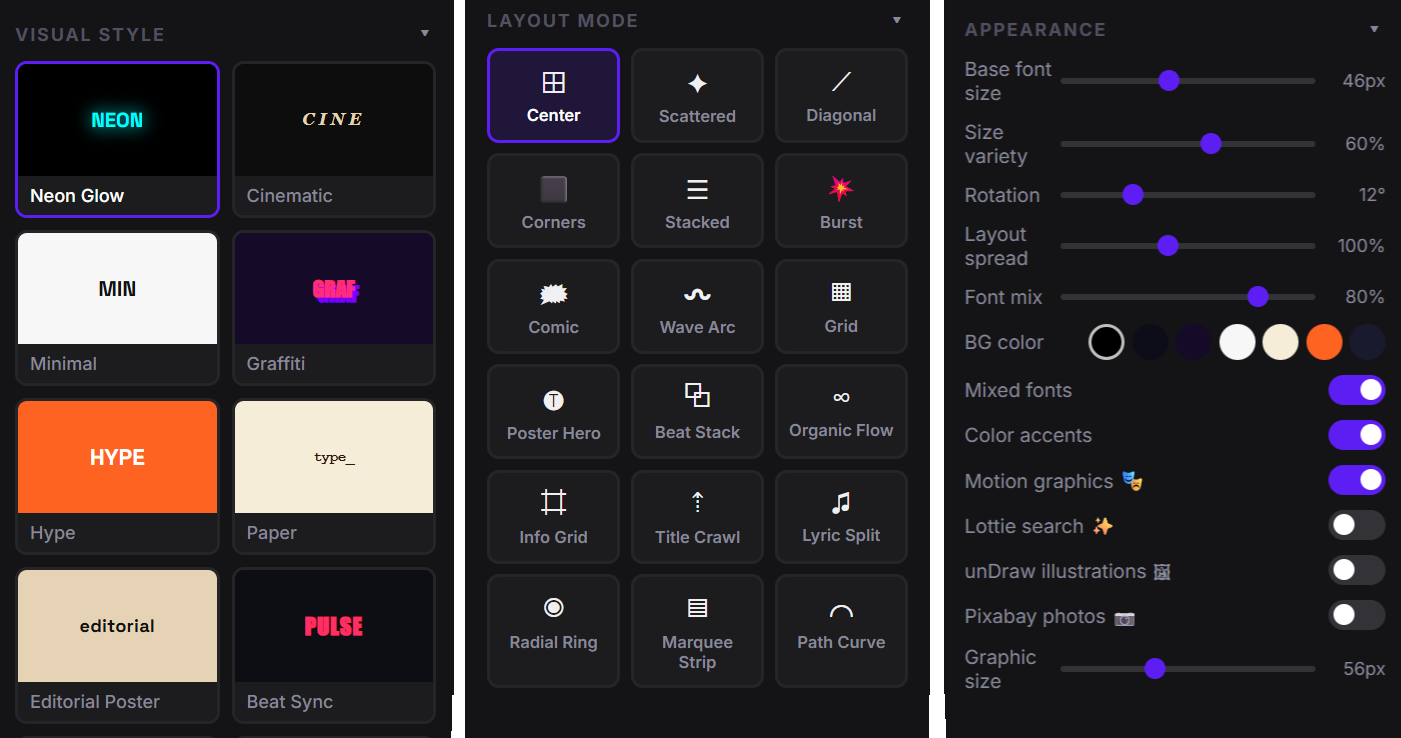
You can control visual style presets, layout modes, word-entry animations, timing speed, canvas ratio, font size and spread, rotation, color/background, and media overlays such as motion graphics, illustrations, and photos.
How many styles and layouts are available?
The current studio setup includes a broad style library (for example Neon, Cinematic, Editorial, Lyric, Retro 3D, Web Hero, Monochrome) and a large layout set including center, stacked, beat, wave, radial, grid, poster, path, and lyric-focused structures.
What export formats are supported?
Use Download MP4 (Social Ready) for platform-ready delivery, Download WebM for faster output, and Download Frame as PNG when you need a still image for thumbnails, cover art, or design reviews.
Why does MP4 export take longer than preview playback?
Preview is optimized for immediate iteration, while MP4 export performs encoding in-browser. Export duration depends on video length, ratio, active effects/overlays, and your device performance. This is expected behavior for high-quality local export.
Can I add media overlays like motion graphics and photos?
Yes. You can enable overlays in controls, including built-in motion graphics and optional external sources like Lottie search, unDraw illustrations, and Pixabay photos. These can enrich phrase-level scenes and improve visual storytelling.
Is there a script length limit?
The script composer includes live word and character counters and is currently tuned for around 500 characters per pass. For long narratives, split your script into multiple scenes and export as parts for better pacing control.
Do I need to install software to use the studio?
No installation is required for core usage. The generator runs directly in your browser, including preview and export actions, so you can start creating immediately.
What is the best workflow for cleaner, high-retention outputs?
Start with script clarity, then choose ratio based on platform, pick a layout that matches content tempo, use timing presets for rhythm, and validate legibility in preview before exporting MP4. Small pacing and spacing adjustments usually produce the biggest retention gains.